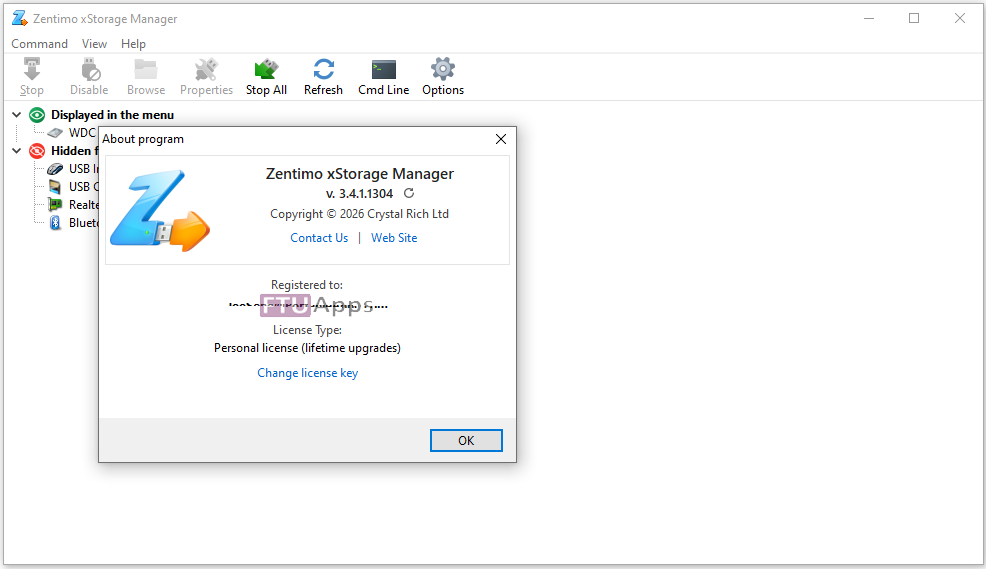
Zentimo xStorage Manager v3.4.1.1304 Multilingual Pre-Activated
32bit | 64bit | Multilingual | RePack
Zentimo xStorage Manager v3.4.1.1304 Multilingual Pre-Activated
Zentimo xStorage Manager – is the manager of USB devices, it saves time and enhances the user experience when working with flash drives, portable drives, card readers and other gadgets. The program provides a convenient safe removal, free from flaws built into Windows, shows what programs are hampered remove the device, removes the disk empty slots card reader is able to return back to the disabled and the device contains a wealth of other features for a comfortable and pleasant to work with hot-plug devices (USB , SATA, FireWire).
Features:
– Safely remove in one click.
– Rename the device.
– Change device image.
– Hide unnecessary device from the menu.
– Scan for hardware changes.
– Stop all devices simultaneously.
– Keyboard shortcuts for stopping a device or a menu.
– Ability to remove unnecessary devices from the stop menu.
– Device names + renaming.
– Possibility to stop the drive SATA.
– Allows you to return the device back.
– Just a small menu where you can add programs files folders from your portable drive for quick launch.
– The program has the ability to test your portable gadgets on the read / write speed.
General Information:
Type: Installation
Languages: Russian, English, multi
Activation: DimitarSerg
Optional: Cured/Import ZentimoSettings.opt
Command line options:
Silent installation of the Russian version: /S /RU
Silent installation of the English version: /S /EN
Silent installation of the Ukrainian version: /S /UA
Do not create shortcuts on the desktop: /ND
Do not create shortcuts in the Start menu: /NS
Selecting the installation location: /D=PATH
The /D=PATH parameter should be specified last.
For example: Zentimo.xStorage.Manager.v2.0.4.1264.exe /S /RU /D=C:\MyProgram
Note: During installation, you will be prompted to install adware. Uncheck this box if desired.
What’s New:
– https://blog.crystalrich.com/
Operating System:
– Windows® 10 / 11, Windows® 8 / 8.1, Windows® 7 / Servers (32bit/64bit)
Homepage: https://blog.crystalrich.com/
Install & Enjoy, No activation is required / Instruction is Included in the folder!

– Read the False-Positive Infection guidance on web, get knowledge before making noise!
Size: 12.8MB

Comments
Post a Comment